
Analytics
View aggregated analytics for all projects. Filter analytics by selecting specific projects from the “All projects” dropdown menu. Filters are also available by date range.Orders
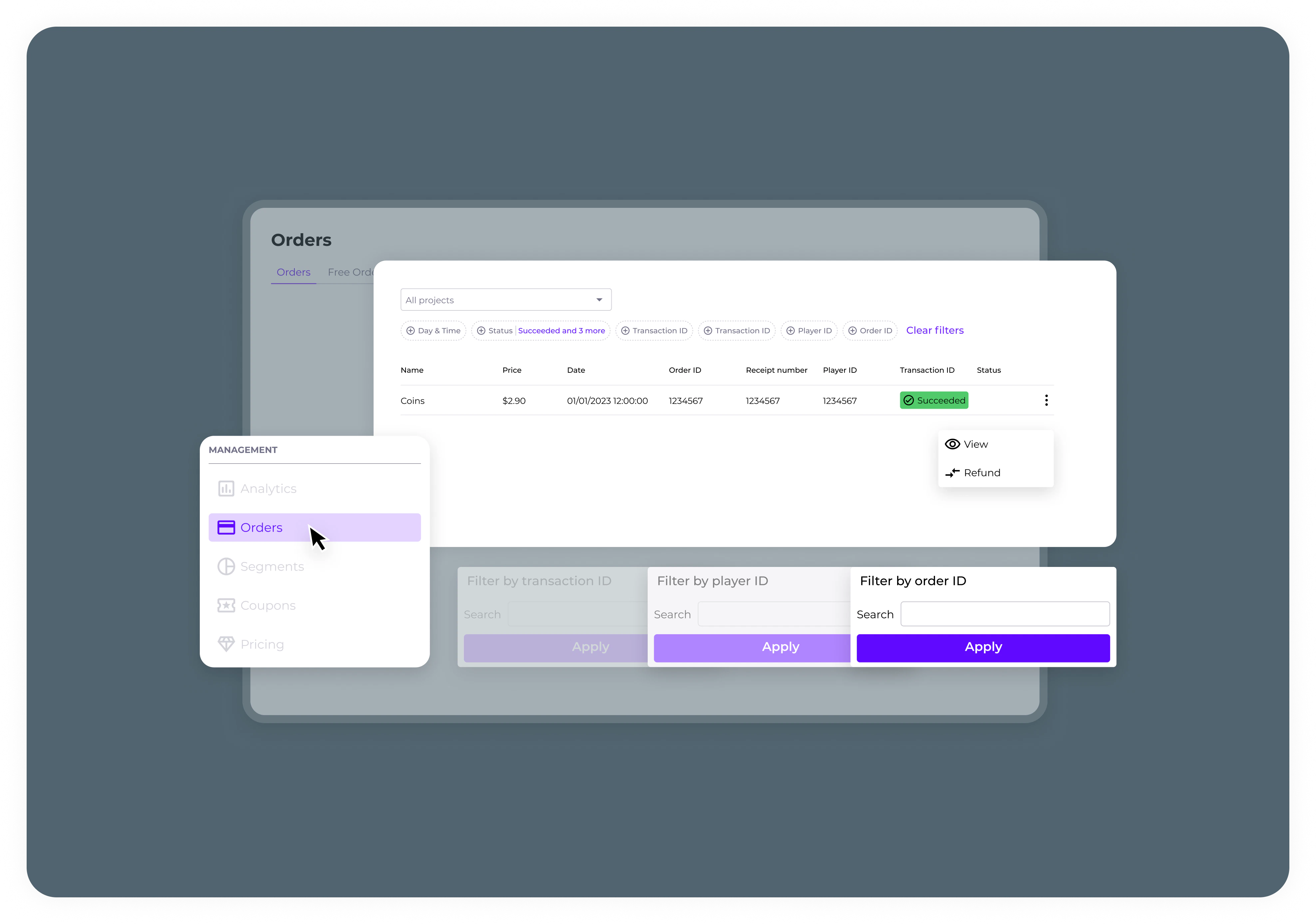
- Orders tab: See orders across all projects. Filter by project, date range, order ID, player ID, player email, transaction ID, receipt number, device OS, and payment status.
- Free Orders Tab: View free orders like daily bonuses and promotions. The filter is similar to the Orders tab but specific to free transactions.
Reports
- Financial Reports Tab: Download financial reports in CSV format. Select specific or multiple projects and set the desired date range before generating the report.
- Payouts Reports Tab: Download monthly payouts reports for all projects combined in CSV format. This report does not support filtering by individual projects.