> ## Documentation Index
> Fetch the complete documentation index at: https://docs.appcharge.com/llms.txt
> Use this file to discover all available pages before exploring further.
# Choose a Theme
> Set up your store theme with your design and art.
Welcome to the documentation for configuring your webstore theme!
This guide will walk you through the necessary steps to customize and personalize your webstore's appearance, ensuring it aligns with your brand identity and enhances the overall shopping experience for your customers.
To get started, make sure you have access to your store's administrative dashboard. If you're unsure how to access your administrative dashboard, please refer to [support@appcharge.com](mailto:support@appcharge.com)
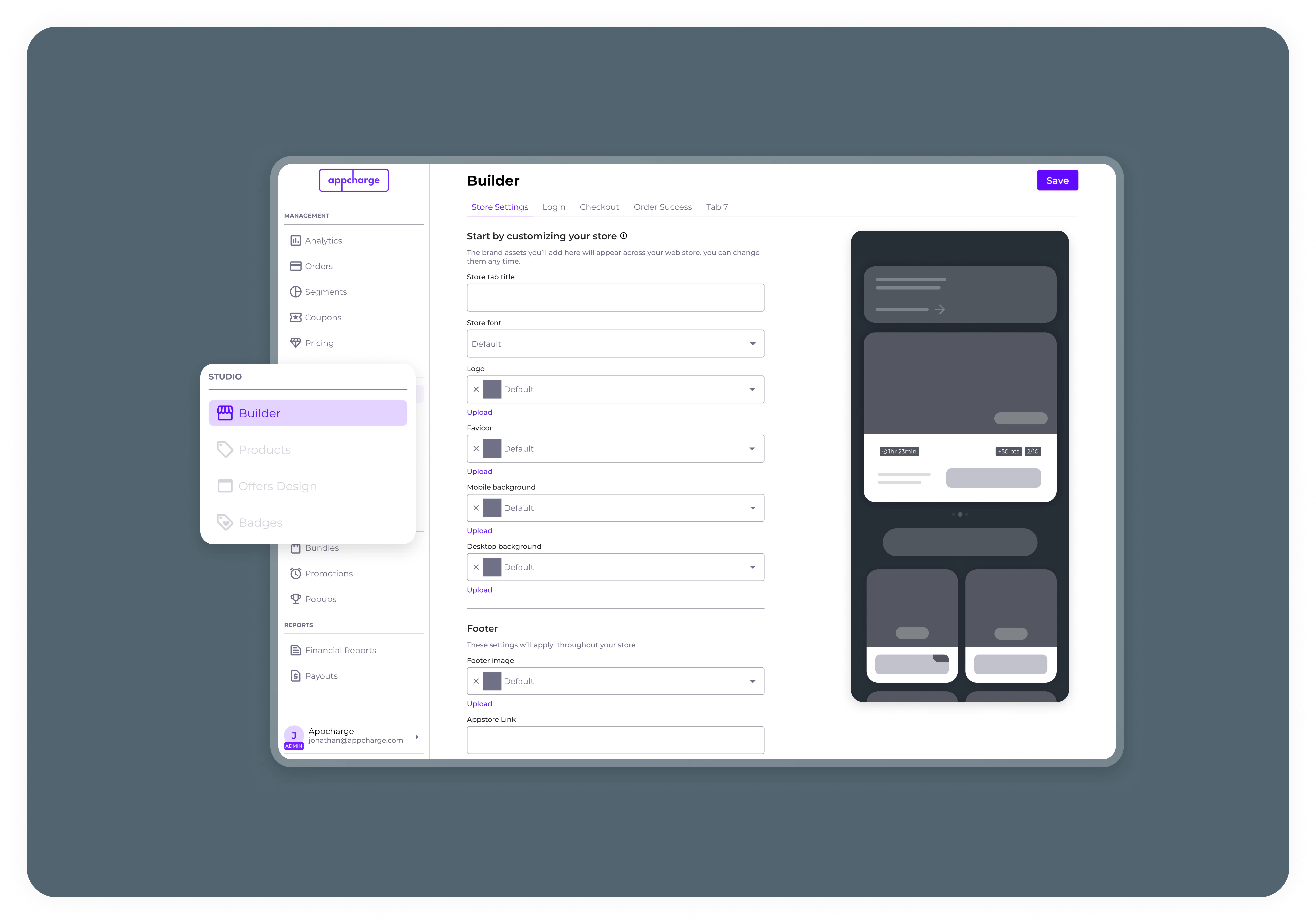 1. Login into the Appcharge management dashboard: [Prod](https://dashboard.appcharge.com/), [Sandbox](https://dashboard-sandbox.appcharge.com/)
2. Navigate to Assets
i. Upload art & assets
3. Navigate to Store Builder -> Store Settings
i. Choose your store template
ii. Choose your store Logo
iii. Upload Background image
If you provide an external image URL, Appcharge saves and uses the URL as-is. Appcharge doesn't download, copy, upload, or host the image. If you use an external image URL, host the image on your own infrastructure and keep it available at the provided URL.
We recommend uploading image files instead of using external URLs when possible. Appcharge hosts uploaded files on its CDN.
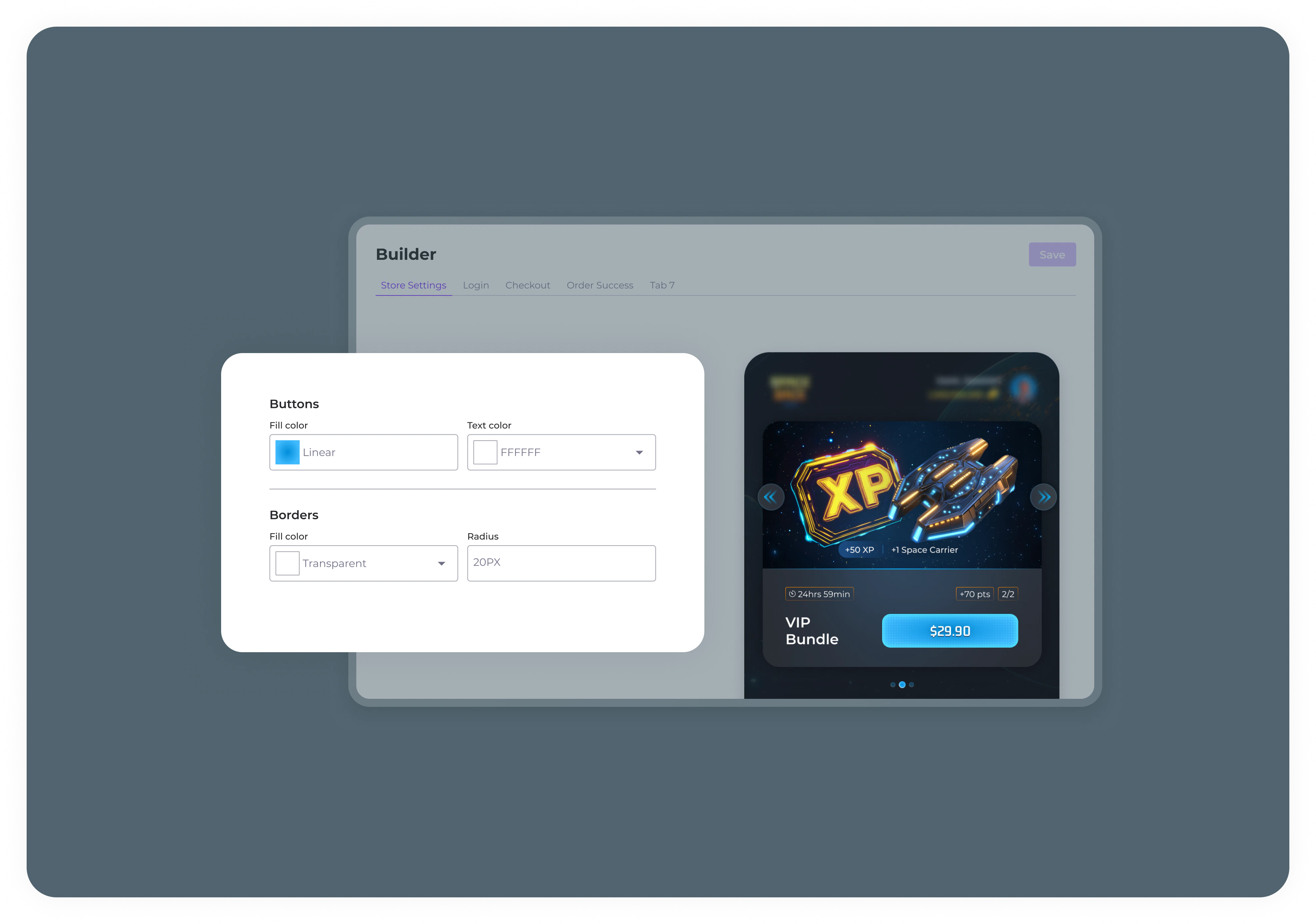
iv. Choose your fonts style & colors
v. Add additional info and costume configuration
1. Login into the Appcharge management dashboard: [Prod](https://dashboard.appcharge.com/), [Sandbox](https://dashboard-sandbox.appcharge.com/)
2. Navigate to Assets
i. Upload art & assets
3. Navigate to Store Builder -> Store Settings
i. Choose your store template
ii. Choose your store Logo
iii. Upload Background image
If you provide an external image URL, Appcharge saves and uses the URL as-is. Appcharge doesn't download, copy, upload, or host the image. If you use an external image URL, host the image on your own infrastructure and keep it available at the provided URL.
We recommend uploading image files instead of using external URLs when possible. Appcharge hosts uploaded files on its CDN.
iv. Choose your fonts style & colors
v. Add additional info and costume configuration