> ## Documentation Index
> Fetch the complete documentation index at: https://docs.appcharge.com/llms.txt
> Use this file to discover all available pages before exploring further.
# Add and Manage Languages
This article explains how to add and manage languages for your web store, checkout, and game portal.
## Add a language
To add a language:
1. Go to the **Localization** tab in the Publisher Dashboard.
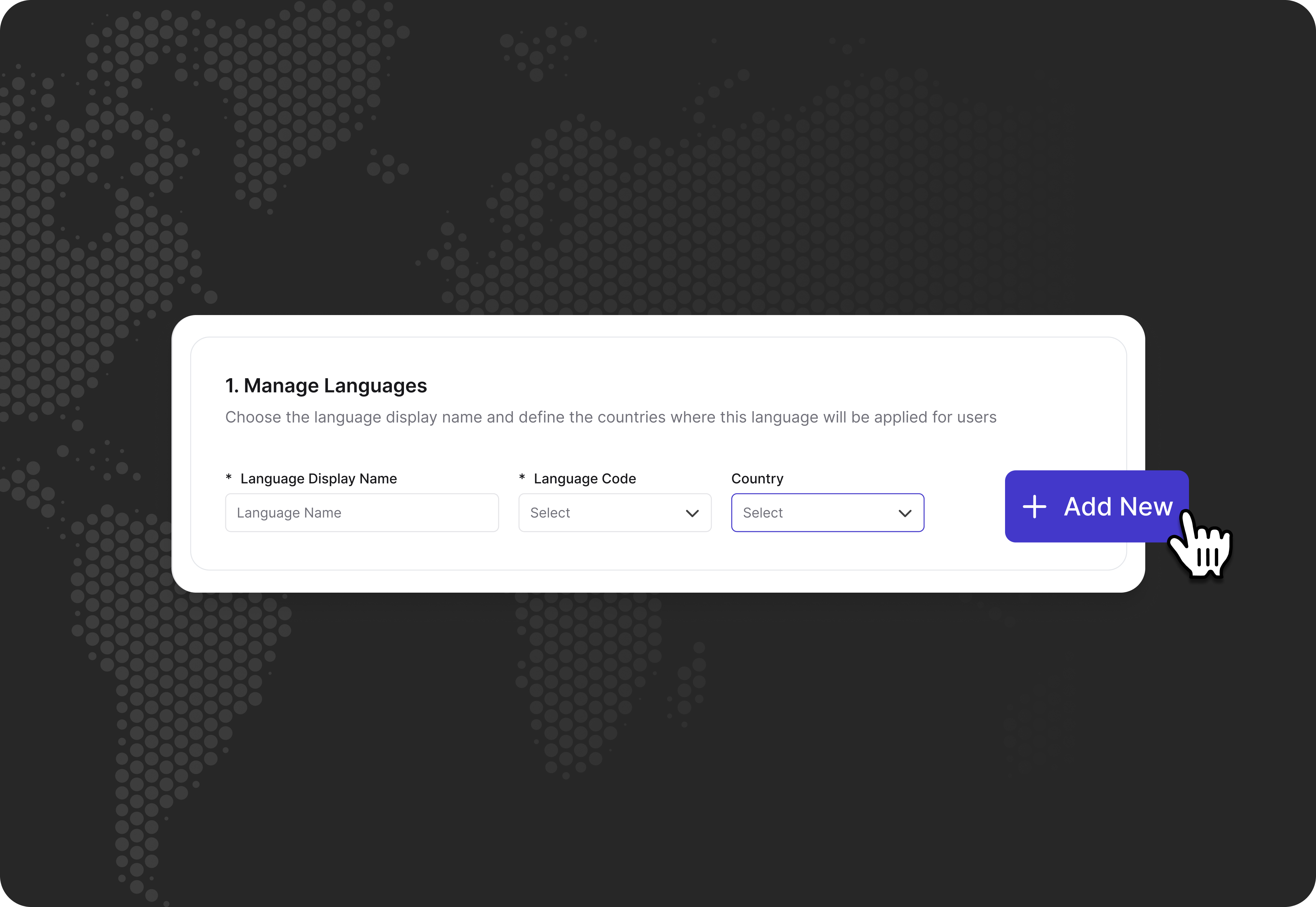
2. Under **Manage Languages**:
* **Language Display Name:** Enter a display name for the language, such as **Español** for Spanish.
* **Language Code:** Select the language code in the dropdown. This code must match the language code provided by your Payment Service Provider (PSP).
* **Country:** In the dropdown, select one or more countries where this language will be available. Each region can support multiple languages, and each language can be used across multiple regions.
3. Click **Add New**.
* Newly added languages remain inactive and hidden by default until you toggle them on, allowing you to set translations before making the language available to customers.
* For each newly added language, a new column is created in the CSV files, and a new object is added to the API for each field.
 ## Enable or disable a language
To enable a language, toggle it on, and to disable a language, toggle it off.
## Edit a language
To edit a language:
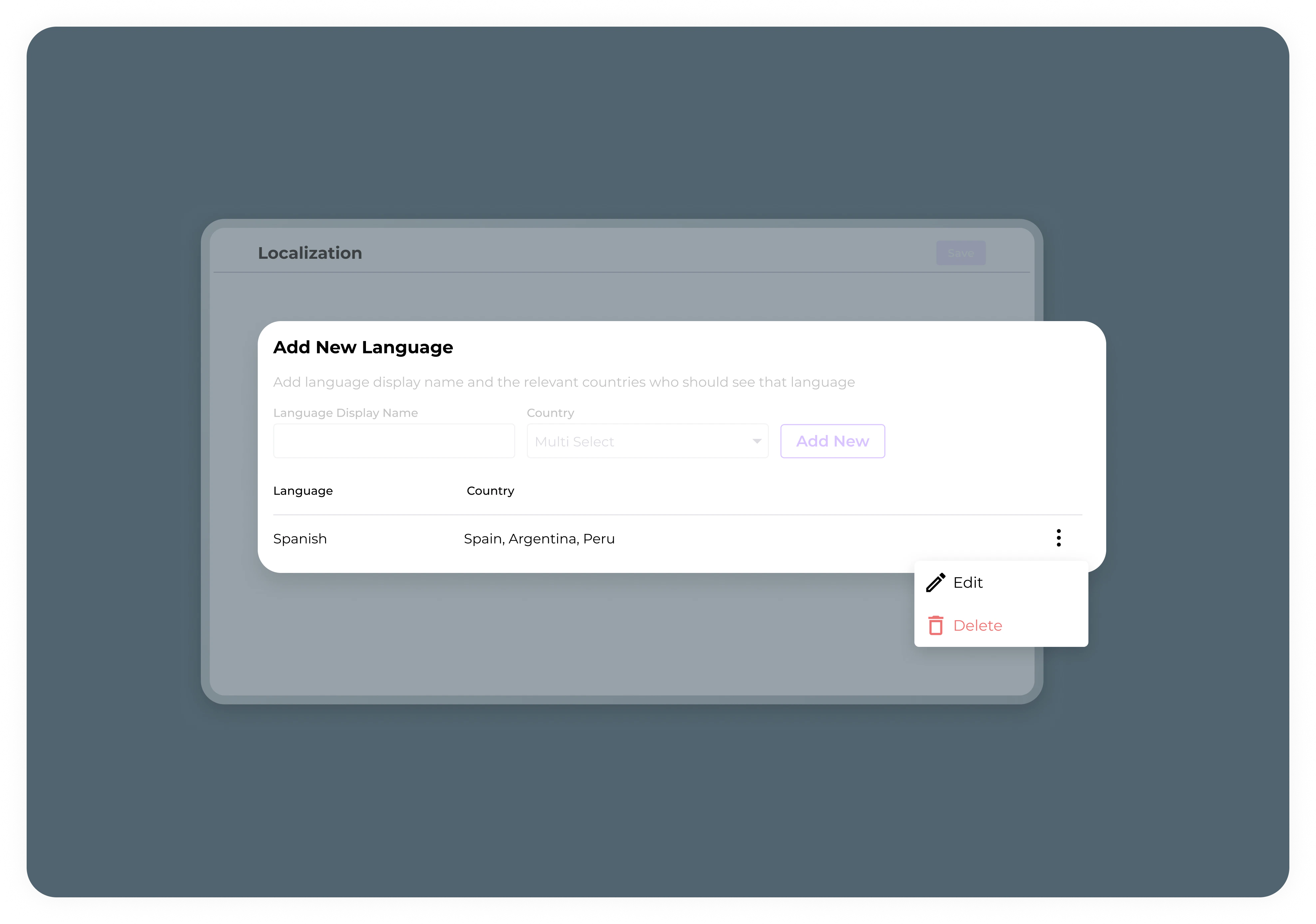
1. Click the 3 dots next to the language you want to edit.
2. Update the language details as desired.
3. Click **Save**.
## Remove a language
To remove a language:
1. Click the 3 dots next to the language you want to delete.
2. Click **Delete**, and then **Approve**.
Removing a language deletes its column from the CSV files in the Publisher Dashboard.
## Enable or disable a language
To enable a language, toggle it on, and to disable a language, toggle it off.
## Edit a language
To edit a language:
1. Click the 3 dots next to the language you want to edit.
2. Update the language details as desired.
3. Click **Save**.
## Remove a language
To remove a language:
1. Click the 3 dots next to the language you want to delete.
2. Click **Delete**, and then **Approve**.
Removing a language deletes its column from the CSV files in the Publisher Dashboard.